
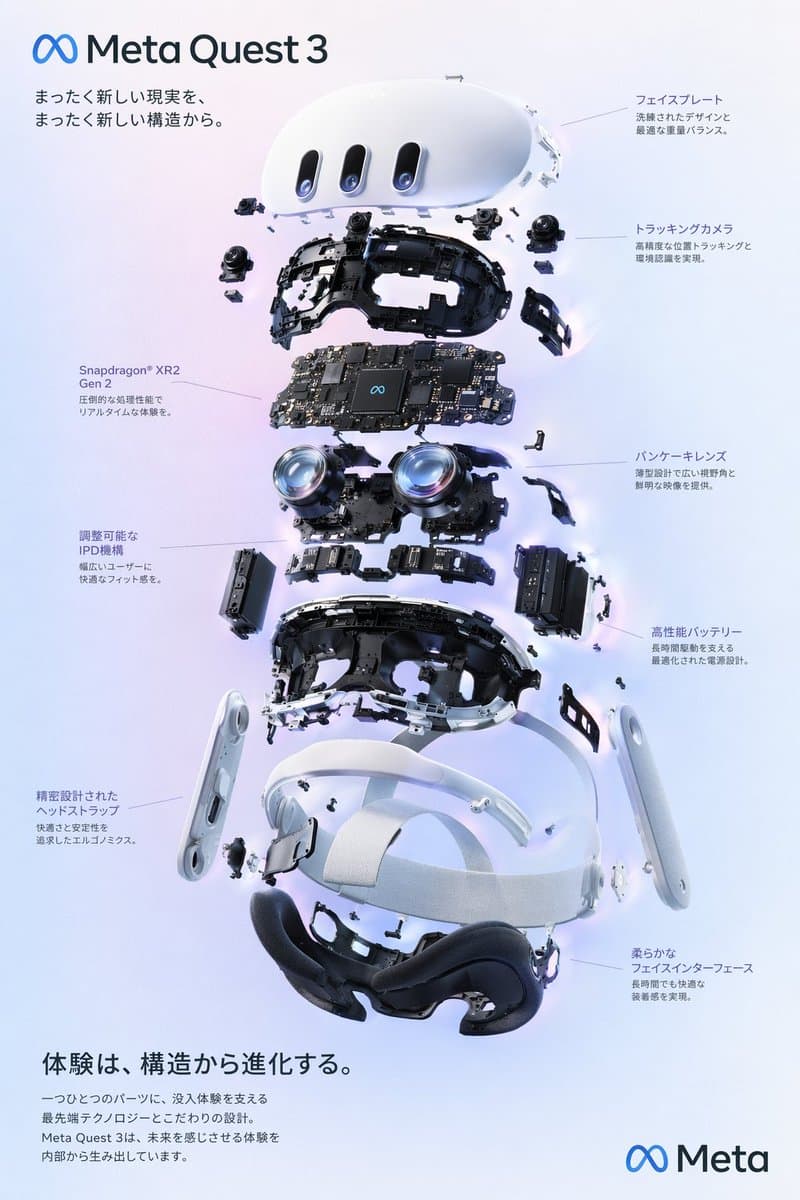
VR Headset Exploded View Poster
{ "type": "exploded view product diagram poster", "subject": "VR headset", "style": "clean high-tech 3D render, studio lighting, glowing accents", "background": "{argument name=\"background co
poster3Dproduct
Your comprehensive guide to crafting the perfect GPT Image 2 Prompt for OpenAI's revolutionary AI image generator. Learn professional GPT Image 2 Prompt techniques to create stunning AI-generated images using advanced text-to-image and image editing methods.
🚀 Master GPT Image 2 Prompt skills for professional AI image creation
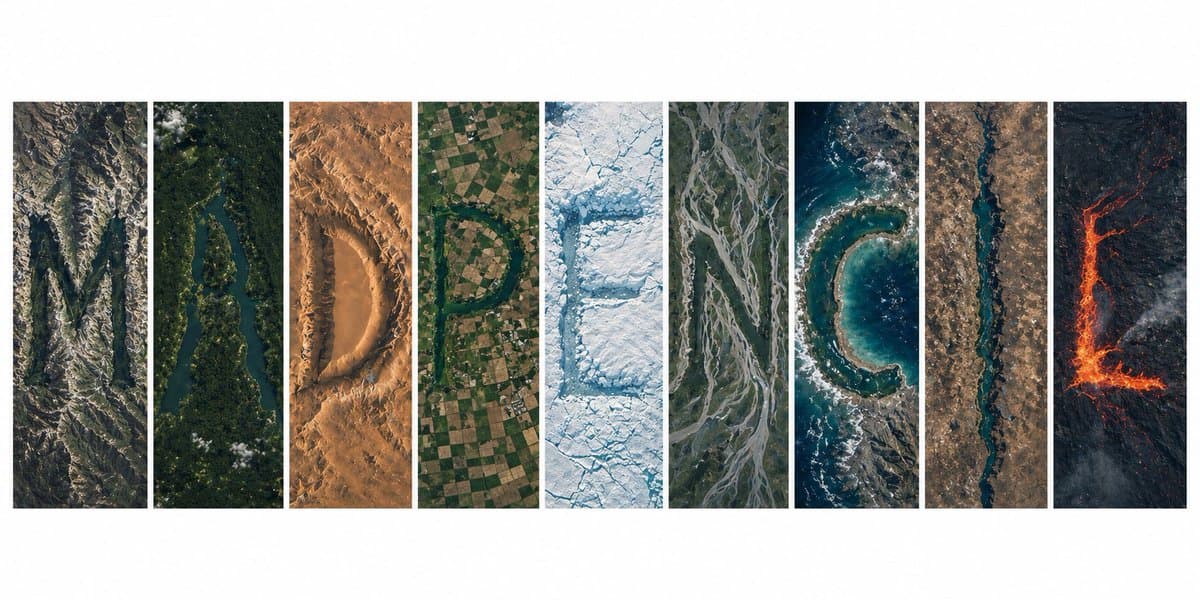
GPT Image 2 is OpenAI's most advanced AI image generation model, delivering near-perfect text rendering, photorealistic outputs, and world-class image quality. A well-crafted GPT Image 2 Prompt unlocks exceptional image quality, enabling creators to produce professional content with precise control over every visual element.
Transform your text descriptions into stunning AI-generated images using a well-structured GPT Image 2 Prompt. The model's advanced semantic understanding interprets your prompt with remarkable accuracy.
Edit and transform existing images with intelligent AI-powered modifications. Your GPT Image 2 Prompt can guide style transfers, object replacement, background changes, and detail enhancement.
Generate images with nearly flawless text rendering — signs, labels, UI mockups, and handwritten notes all appear with convincing accuracy when specified in your prompt.
Create images indistinguishable from real photographs with stunning detail and natural color rendering. Specify lighting, composition, and mood for professional results.
Unlock the full potential of AI image generation by learning how to craft an effective GPT Image 2 Prompt. Professional prompt engineering skills dramatically improve your image quality, reduce generation iterations, and help you achieve consistent results.
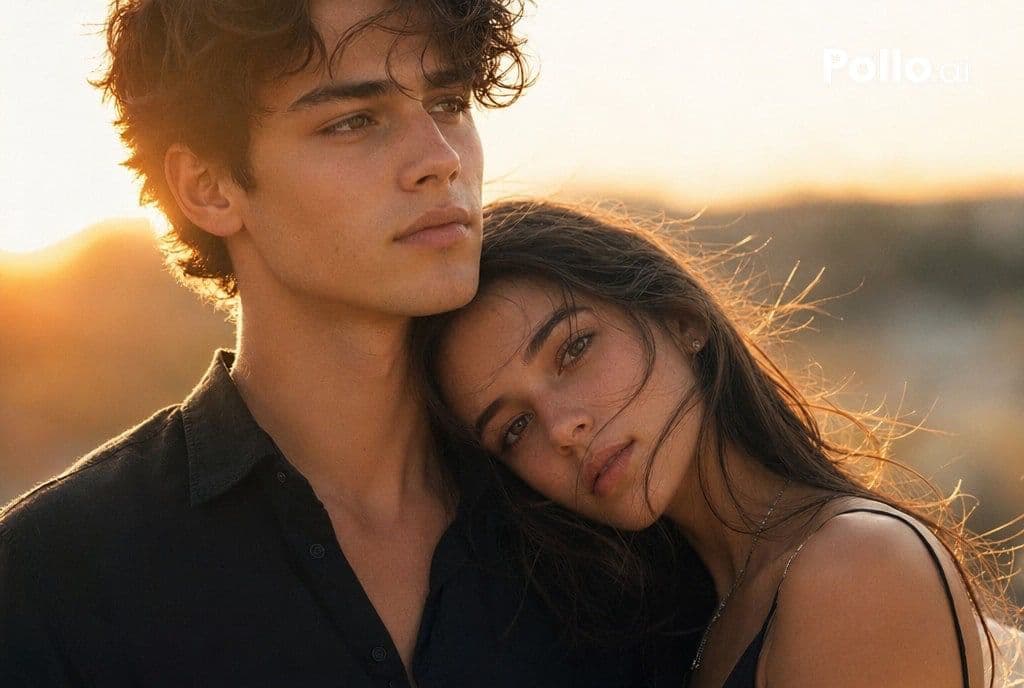
Follow these simple steps to create stunning AI-generated images with GPT Image 2. Mastering the GPT Image 2 Prompt workflow ensures consistent, professional results.
Select between text-to-image generation or image editing based on your creative needs. GPT Image 2 supports both methods with different prompt structures.
Write a detailed description including subject, style specifications, composition details, and lighting directions. The more comprehensive your prompt, the better the results.
Choose from photorealism, anime, cinematic, watercolor, and more. Your GPT Image 2 Prompt can explicitly define the desired aesthetic for your project.
Paste into ChatGPT and generate your masterpiece. GPT Image 2 delivers professional-quality images ready for download in PNG format.
Discover the powerful capabilities that make GPT Image 2 the leading AI image generation model. Understanding these features helps you craft more effective prompts.
Generate stunning high-resolution images with rich details and professional aesthetics perfect for production use cases.
Render text in images with near-perfect accuracy — signs, labels, UI mockups, and handwritten notes appear correctly.
Create images indistinguishable from real photographs with precise prompt instructions for lighting, composition, and mood.
Produce images with natural, neutral color rendering even with complex lighting conditions and challenging visual elements.
Single-pass inference delivers images in under 3 seconds without compromising quality, enabling rapid iteration.
Access GPT Image 2 across ChatGPT web, desktop, and mobile. Your prompt skills transfer seamlessly across platforms.
Hand-picked GPT Image 2 prompts with stunning example images.
{ "type": "exploded view product diagram poster", "subject": "VR headset", "style": "clean high-tech 3D render, studio lighting, glowing accents", "background": "{argument name=\"background co
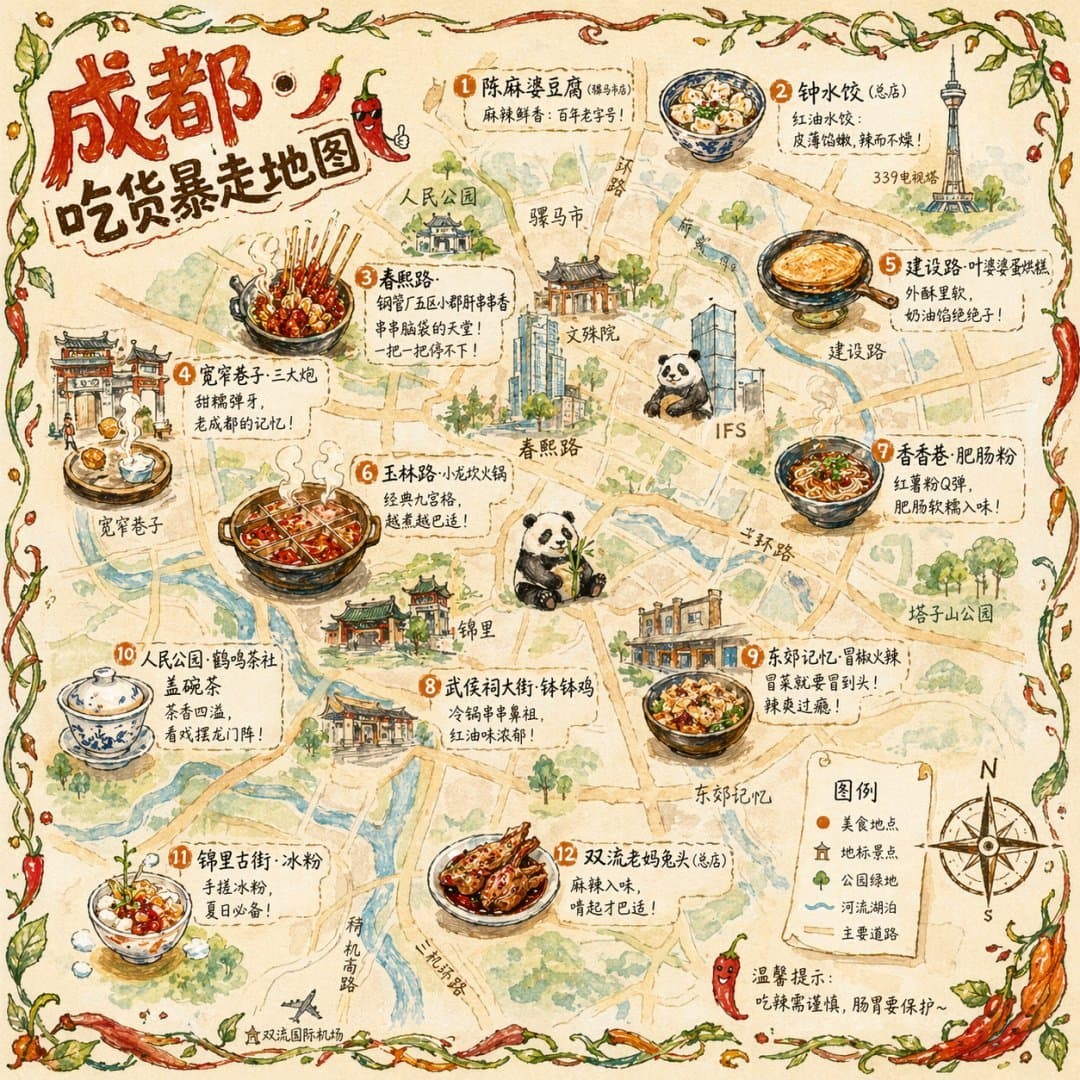
{ "type": "illustrated map infographic", "style": "{argument name=\"art style\" default=\"watercolor and ink hand-drawn illustration on vintage parchment\"}", "title_section": { "text": "{ar
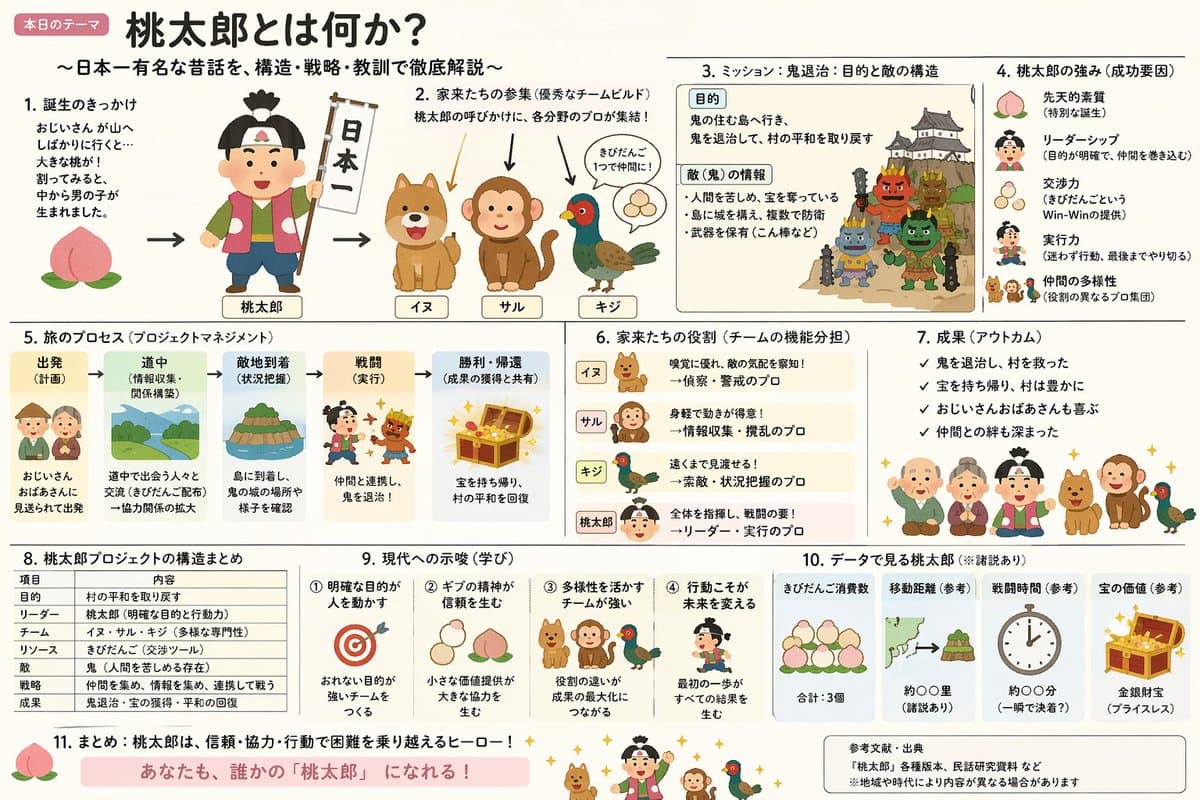
Create an explanatory slide ({argument name="format" default="ponchi-e diagram"}) for {argument name="theme" default="Momotaro"} that fuses the gentle atmosphere of "Irasutoya" with the overwhelming i
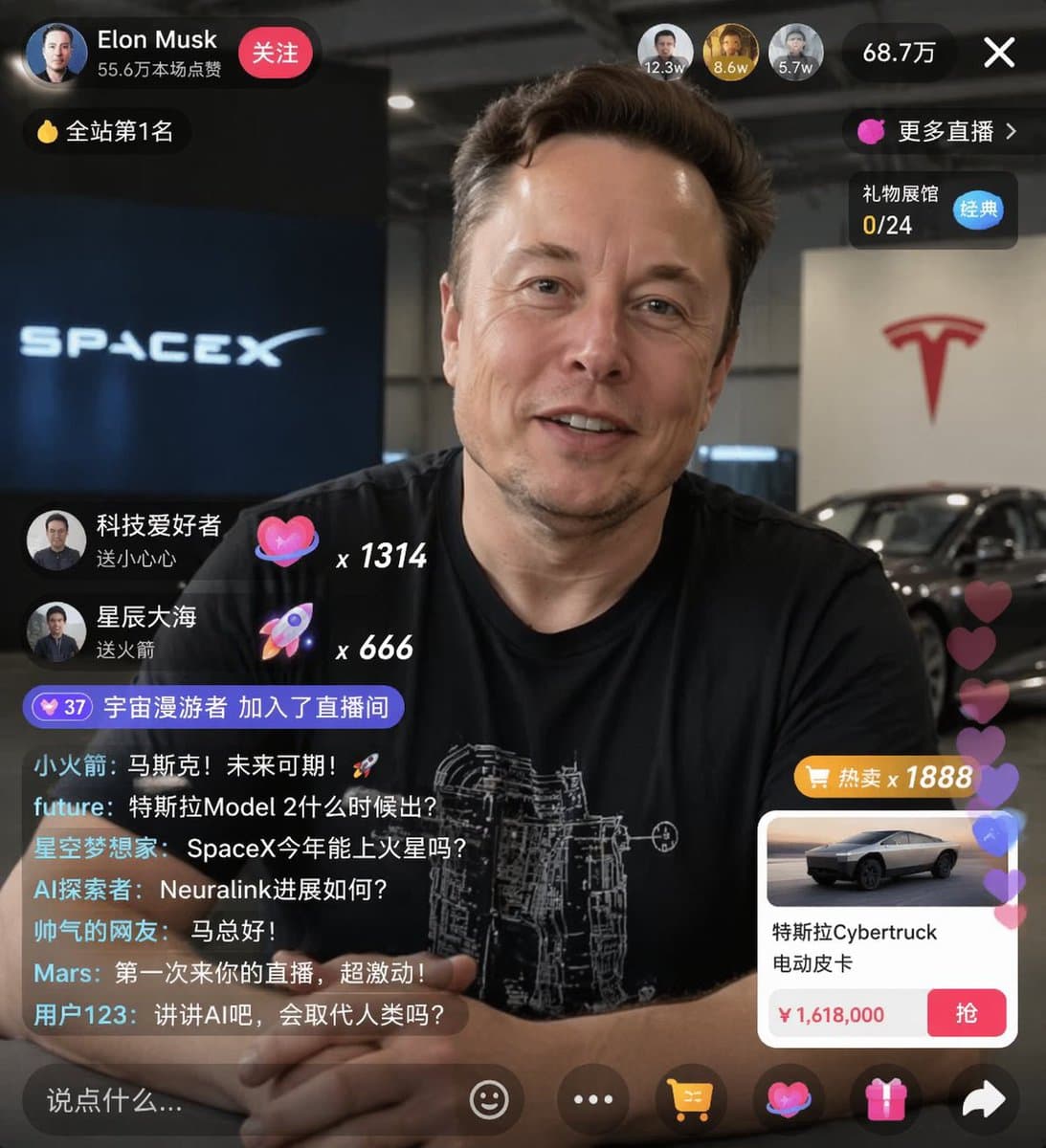
{ "type": "live stream UI mockup", "subject": { "description": "portrait of {argument name=\"host name\" default=\"Elon Musk\"}, smiling, wearing a black t-shirt with a white technical schemat
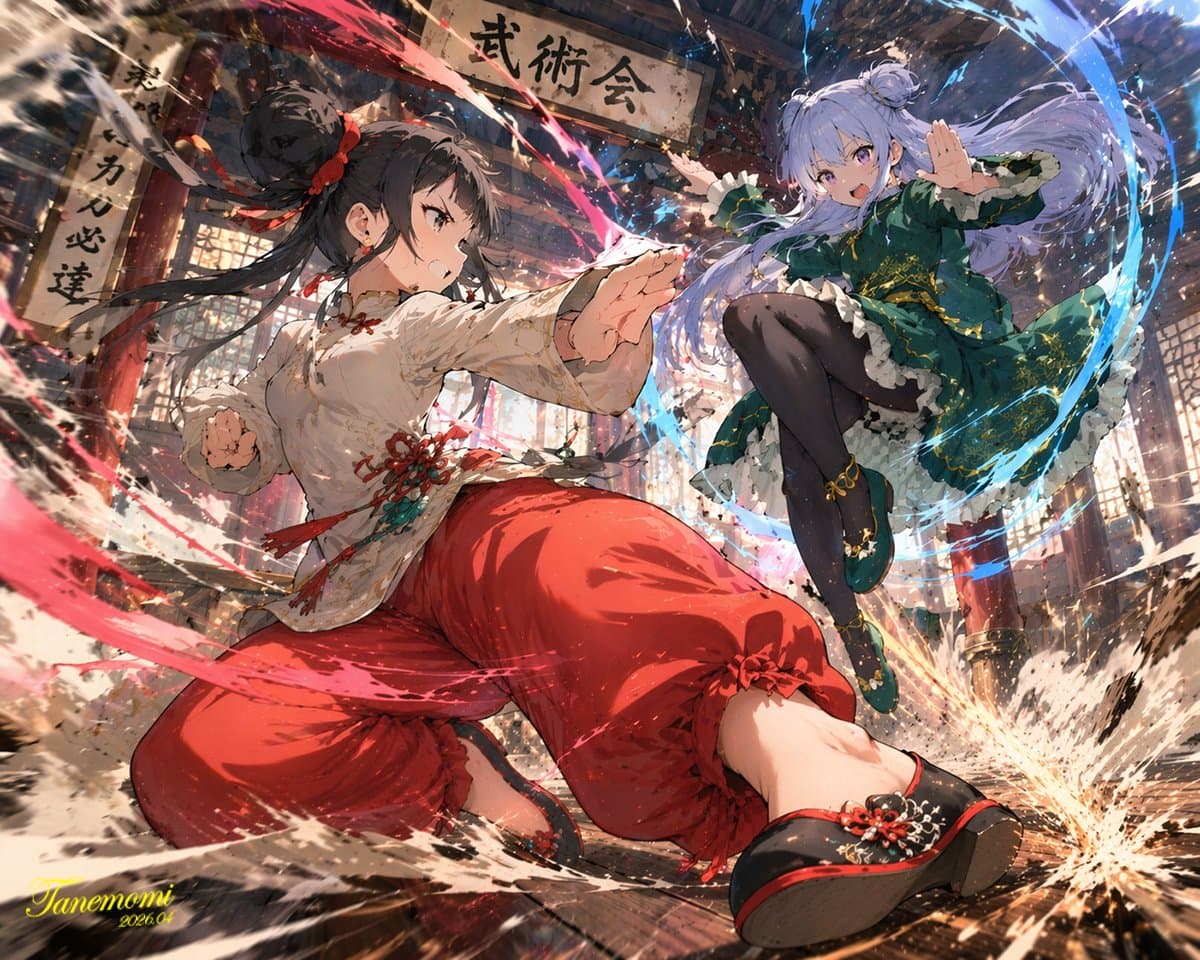
An anime-style illustration of a {argument name="action type" default="high-impact martial arts battle"} between two young female fighters in a {argument name="setting" default="traditional wooden mar
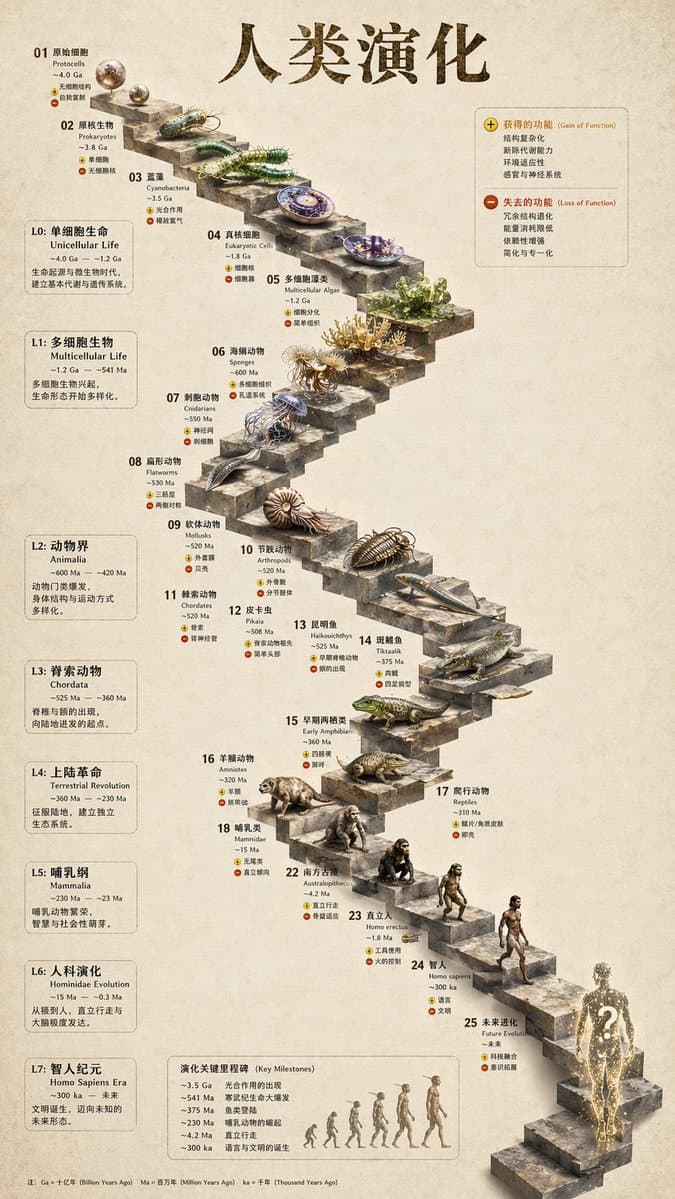
{ "type": "evolutionary timeline infographic", "instruction": "Using REFERENCE_0 as a structural base, transform the flat vector design into a highly realistic 3D infographic. Replace the smooth r
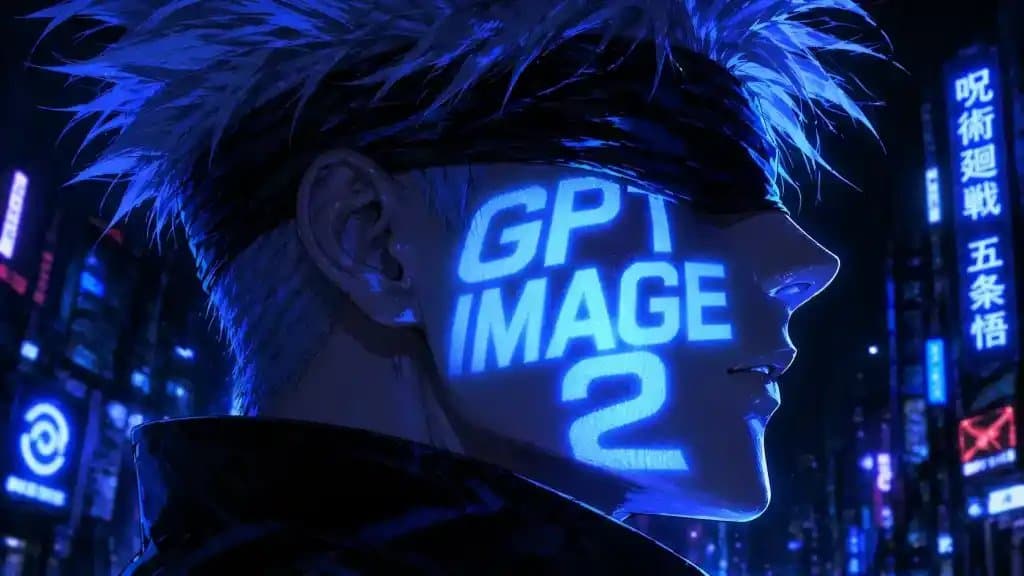
A dramatic cyberpunk anime close-up portrait of a white-haired young man in side profile facing right, with spiky silver hair, pale skin, and a black blindfold covering his eyes. He wears a high-colla
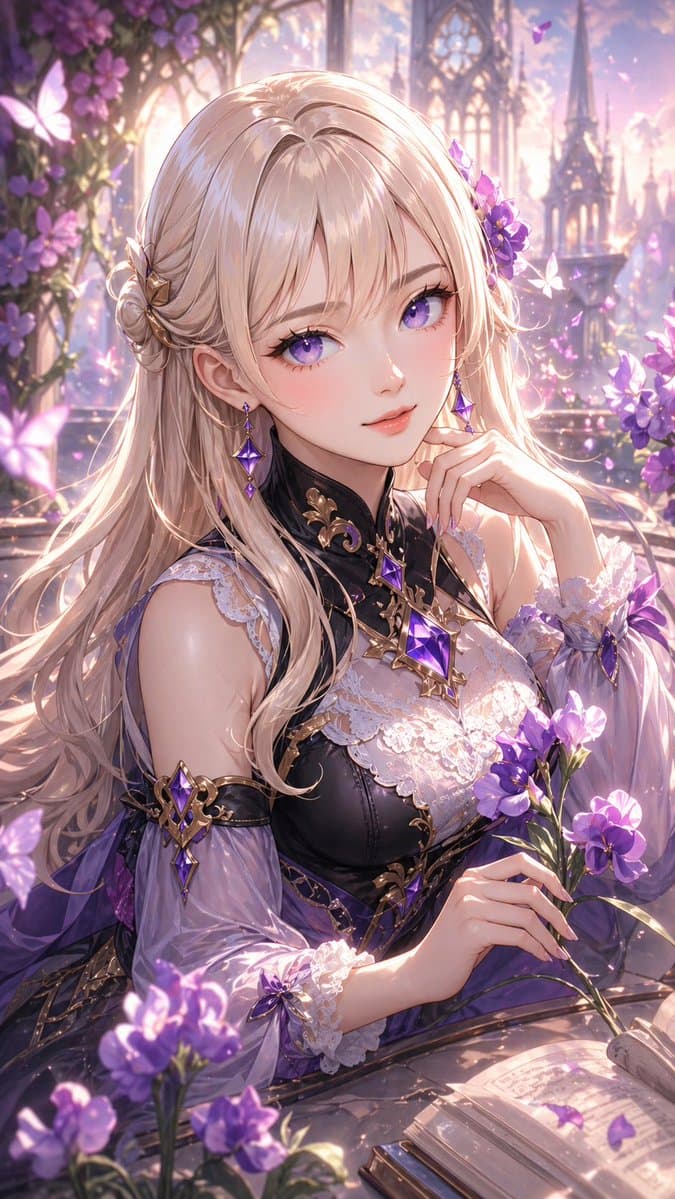
A highly detailed anime fantasy portrait of a beautiful young woman seated at a stone table in an enchanted flower garden at golden hour, framed from the waist up in a vertical composition. She has {a
Everything you need to know about GPT Image 2 AI image generation and prompt crafting.
GPT Image 2 is OpenAI's latest AI image generation model integrated into ChatGPT. You write a text prompt describing the image you want, and the model generates it. Our library provides proven, high-quality prompt templates you can copy and customize.
Include subject description, visual style, composition, lighting, camera angle, and mood. Structured JSON prompts work well for complex layouts. Browse our library to see professional examples across portraits, infographics, fashion, and more.
Yes. All prompts on this site are free to copy, modify, and use for your AI image projects.
GPT Image 2 supports photorealistic, cinematic, anime, watercolor, 3D render, fashion editorial, infographic, UI mockup, and many other styles. Our library covers all major use cases.
Yes. GPT Image 2 renders text in images with near-perfect accuracy. Many prompts in our library specify exact text content, font styles, and placement.
GPT Image 2 generates images that you can download in PNG format directly from ChatGPT, ready for use in marketing, social media, and creative projects.
GPT Image 2 typically generates images in under 3 seconds with single-pass inference, allowing you to iterate quickly and refine your prompts in real time.
GPT Image 2 excels at semantic understanding, near-perfect text rendering, natural color output, and image editing — making detailed, structured prompts especially powerful.
We regularly add new prompts and example images to keep the library fresh and up to date.
Master the art of AI image generation with our comprehensive GPT Image 2 Prompt guides and tutorials.
Explore Prompts